







What You Can Do With the Redrob
Chrome Extension
Everything you need to find decision-makers, verify data, and launch outbound—without juggling multiple tools.
90% Deliverability Accuracy
Real-time validation improves inbox placement and protects domain reputation by reducing risky or unreachable contact attempts.

Tap into 700M+ LinkedIn Profiles
Bypass network limitations and access a global database of professionals regardless of your current connection status.

Get Verified Emails & Phone Numbers
Retrieve validated emails and phone numbers checked through live servers to ensure contacts are active and reachable.

Build High-Intent Outreach Lists
Organize prospects into targeted segments directly in the browser before syncing them to your CRM pipeline.

Cut Prospecting Time by 60%
Eliminate manual data entry and enrich bulk profiles instantly, freeing up hours for actual sales conversations.

No Tab Switching
Add profiles to Redrob lists for structured enrichment, enabling accurate, organized contact data without workflow interruptions.


#2
Visit a LinkedIn Profile
Open any prospect page you want to capture.
#3
Click the Redrob Button
The extension appears instantly on the right side.
#4
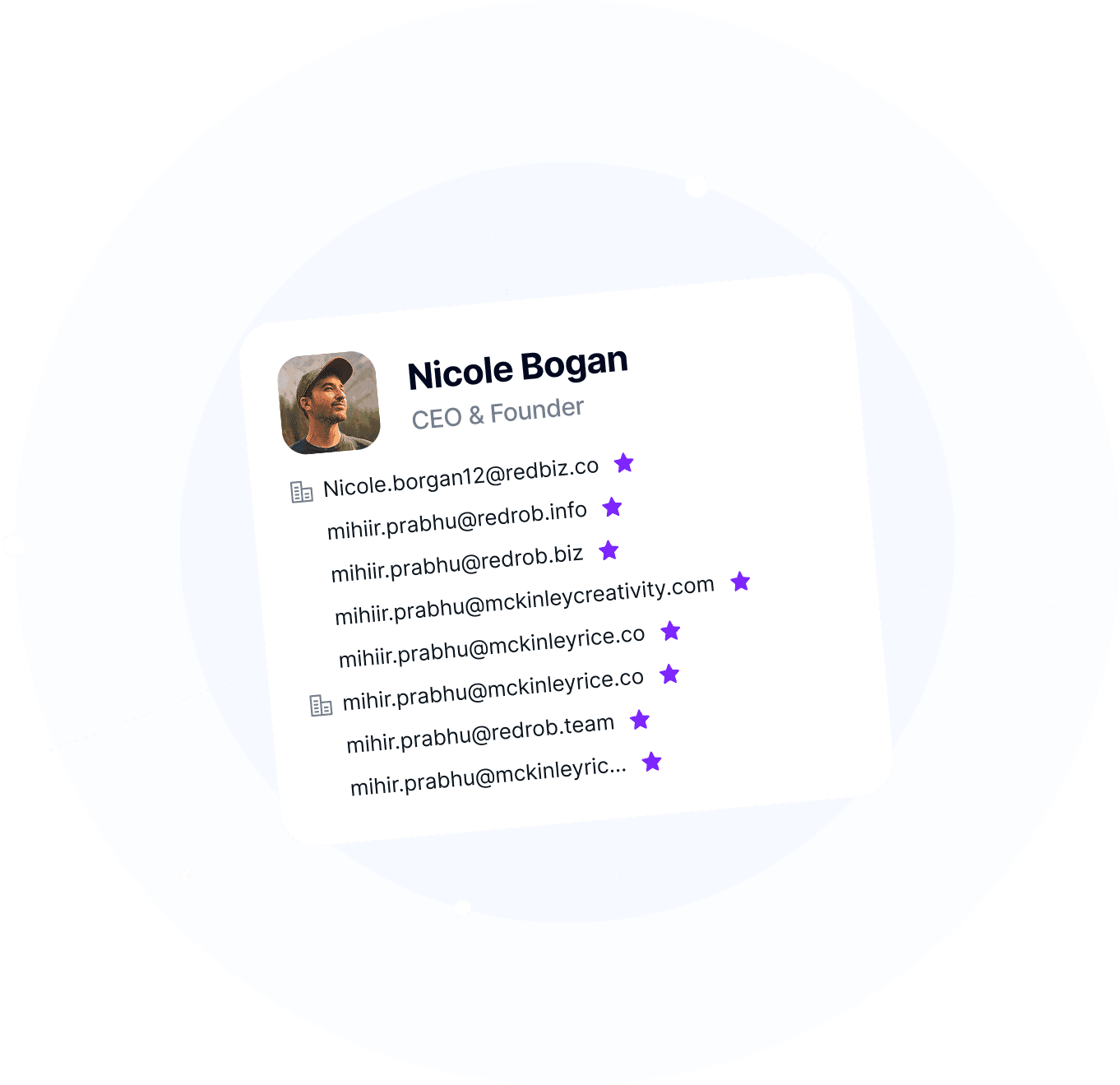
Save & Enrich Automatically
Redrob fetches verified emails and phone numbers instantly.
#5
Add to Your Lists
Organize prospects and sync to your CRM automatically.

Does the extension work on all LinkedIn profiles?
How is this different from other email finders?
Do I need a Redrob account to use the extension?
Is the Redrob LinkedIn Chrome Extension free?
Will using the extension slow down my LinkedIn browsing?
Can teams use this extension together?